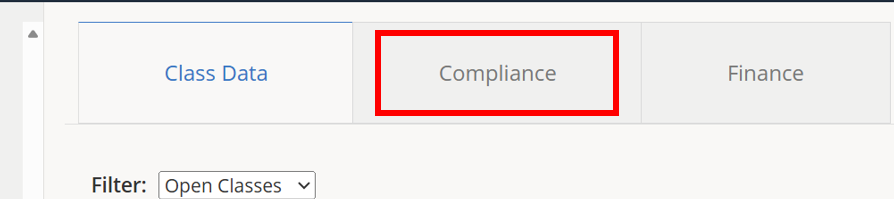
1.) Click the Compliance tab.
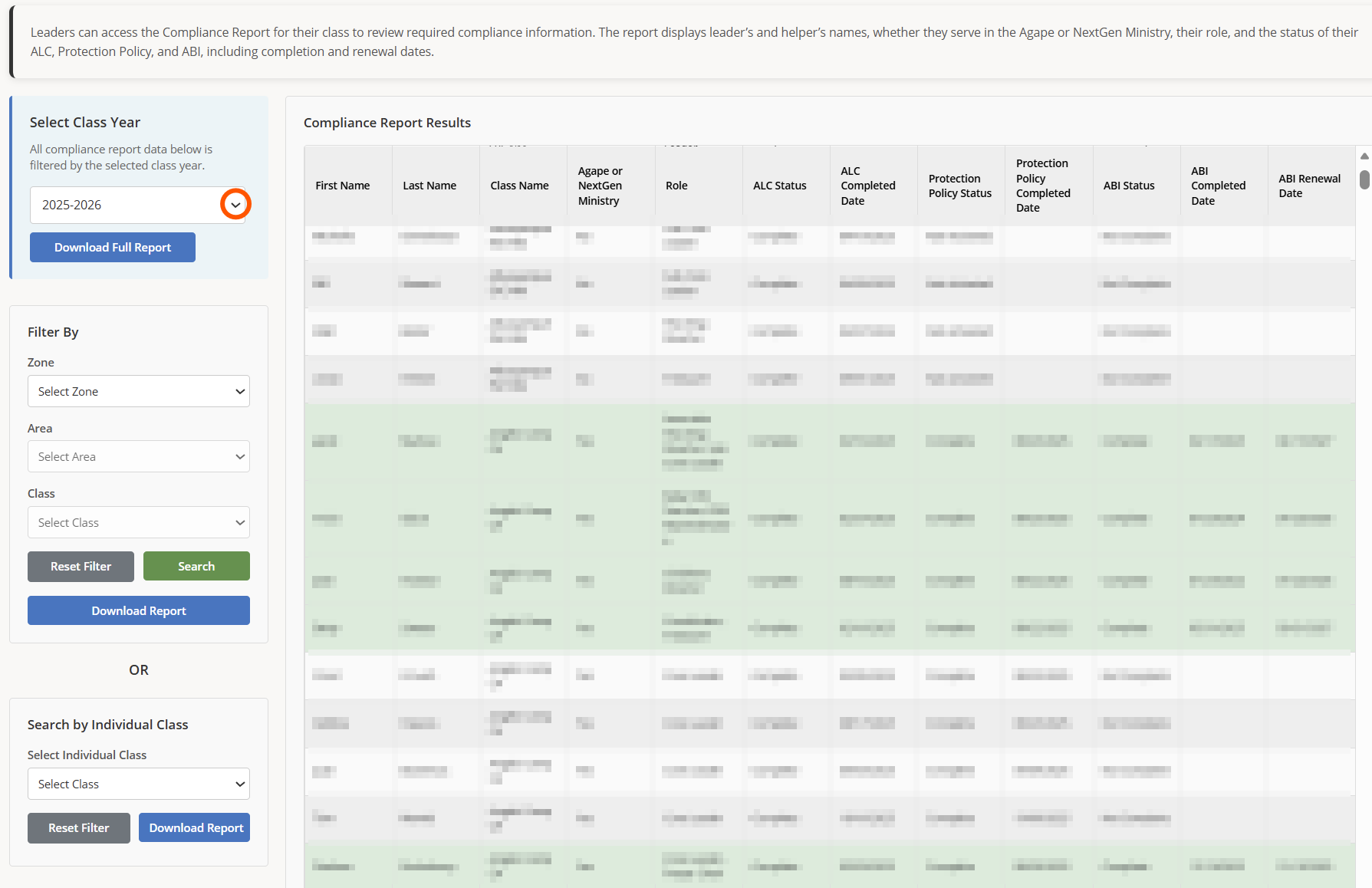
2.) To download a full report for the classes you shepherd, click the drop-down menu to select a class year for the report.
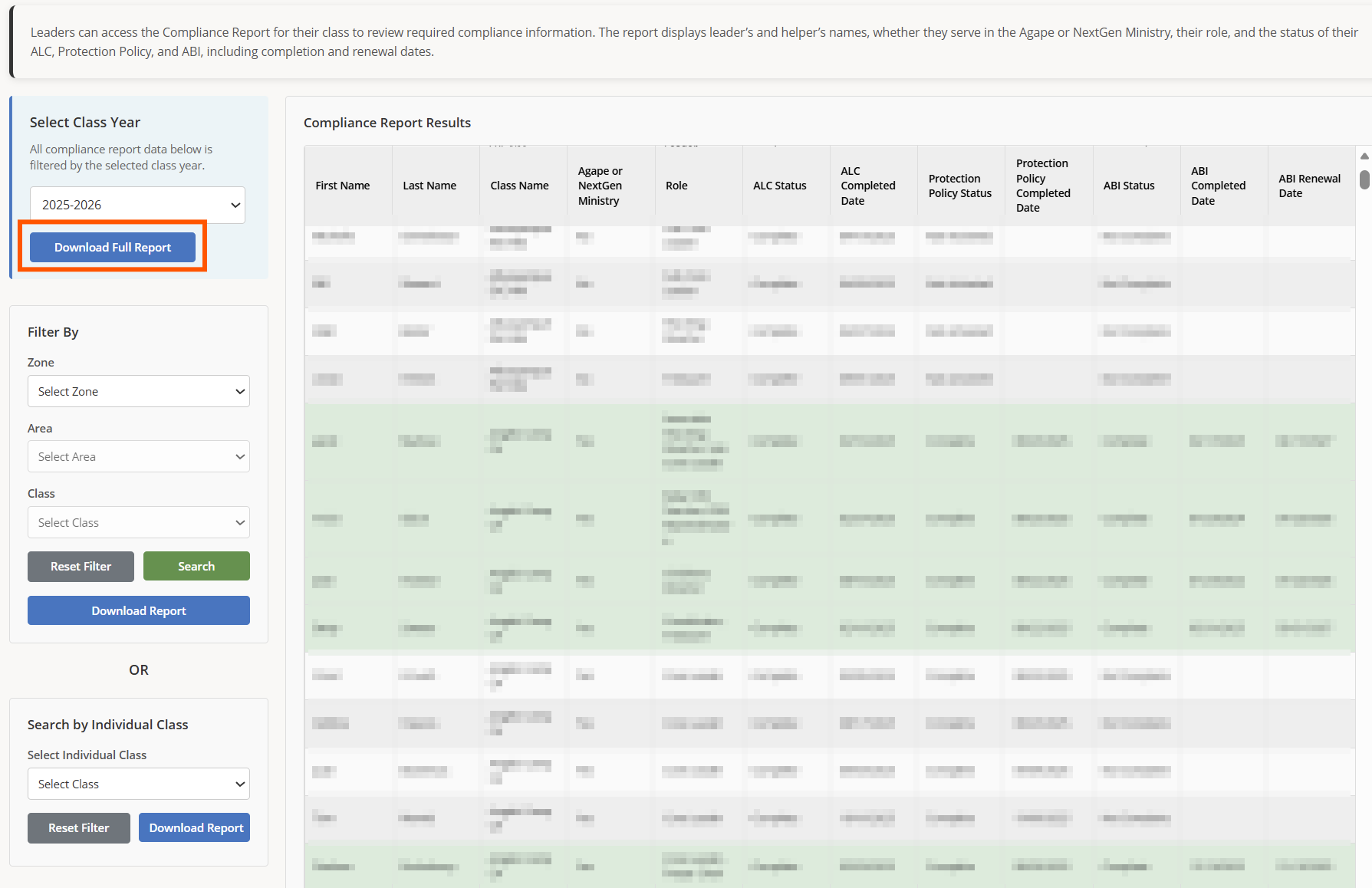
3.) Click Download Full Report to download the compliance report for all of the classes you shepherd. The file can be opened in any spreadsheet application, e.g. Microsoft Excel or Apple Numbers.
4.) Click the drop-down menus to select filters to narrow the classes showing onscreen.
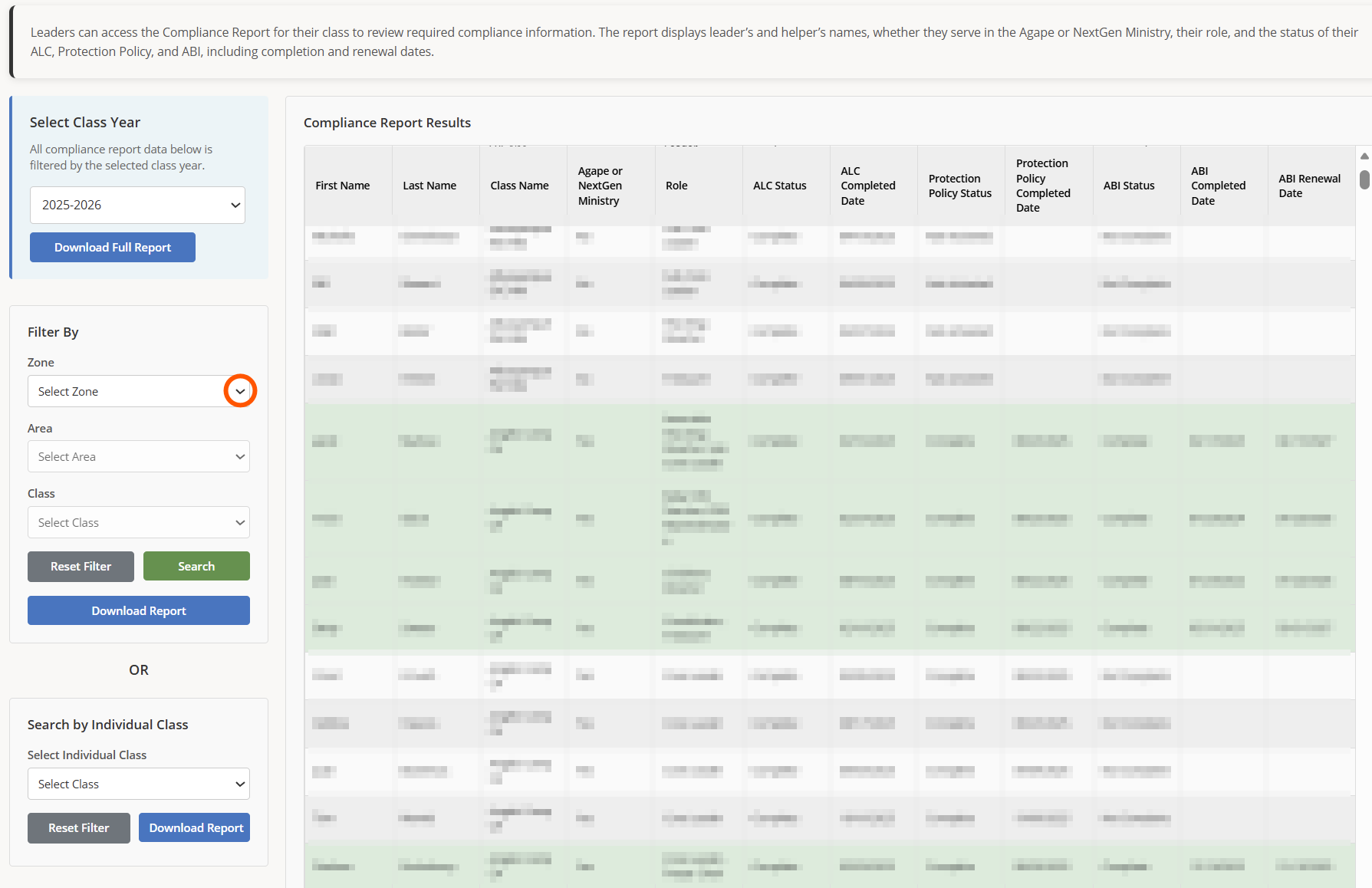
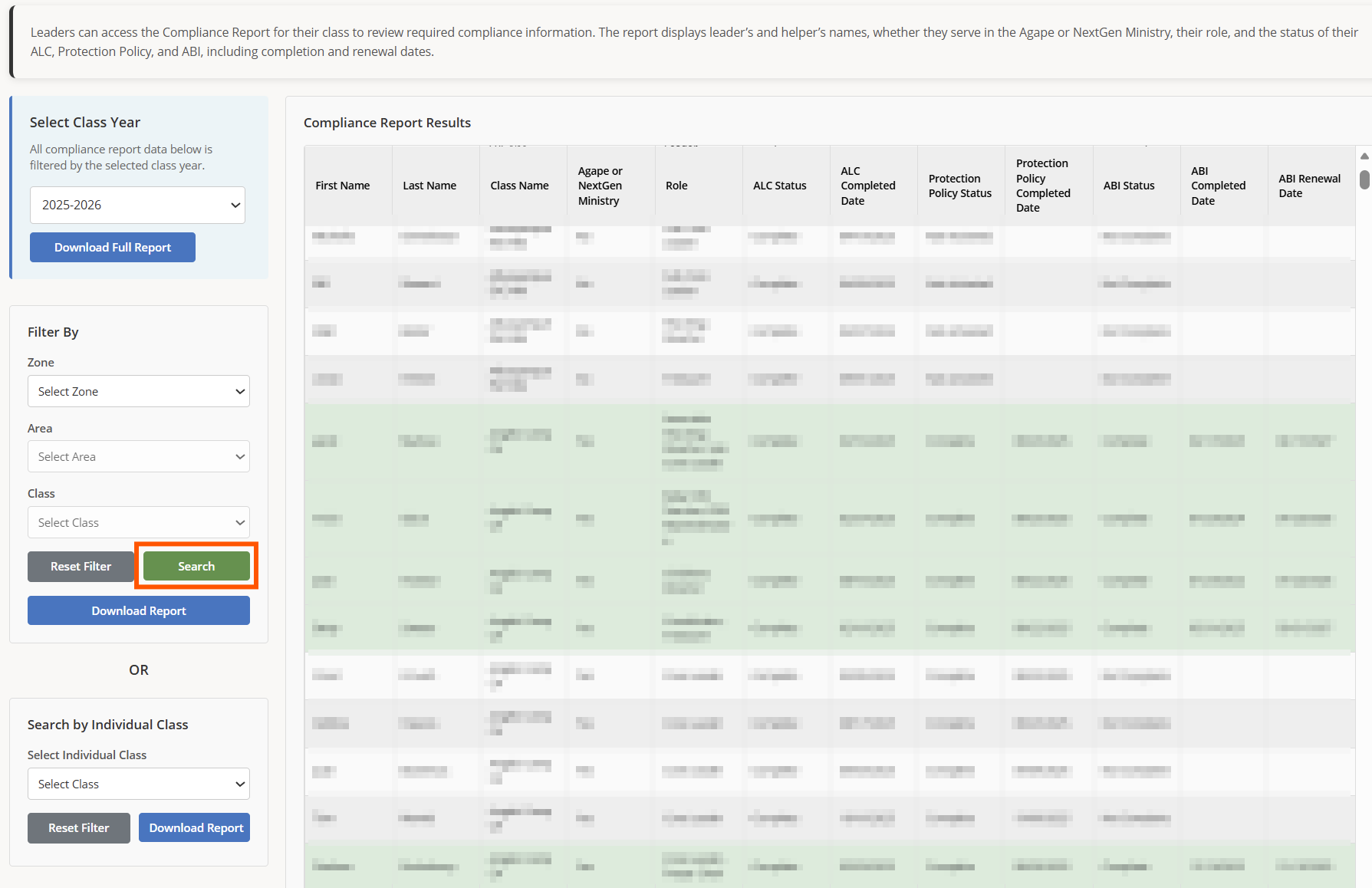
5.) Once you have filters selected, click Search to change the on-screen view.
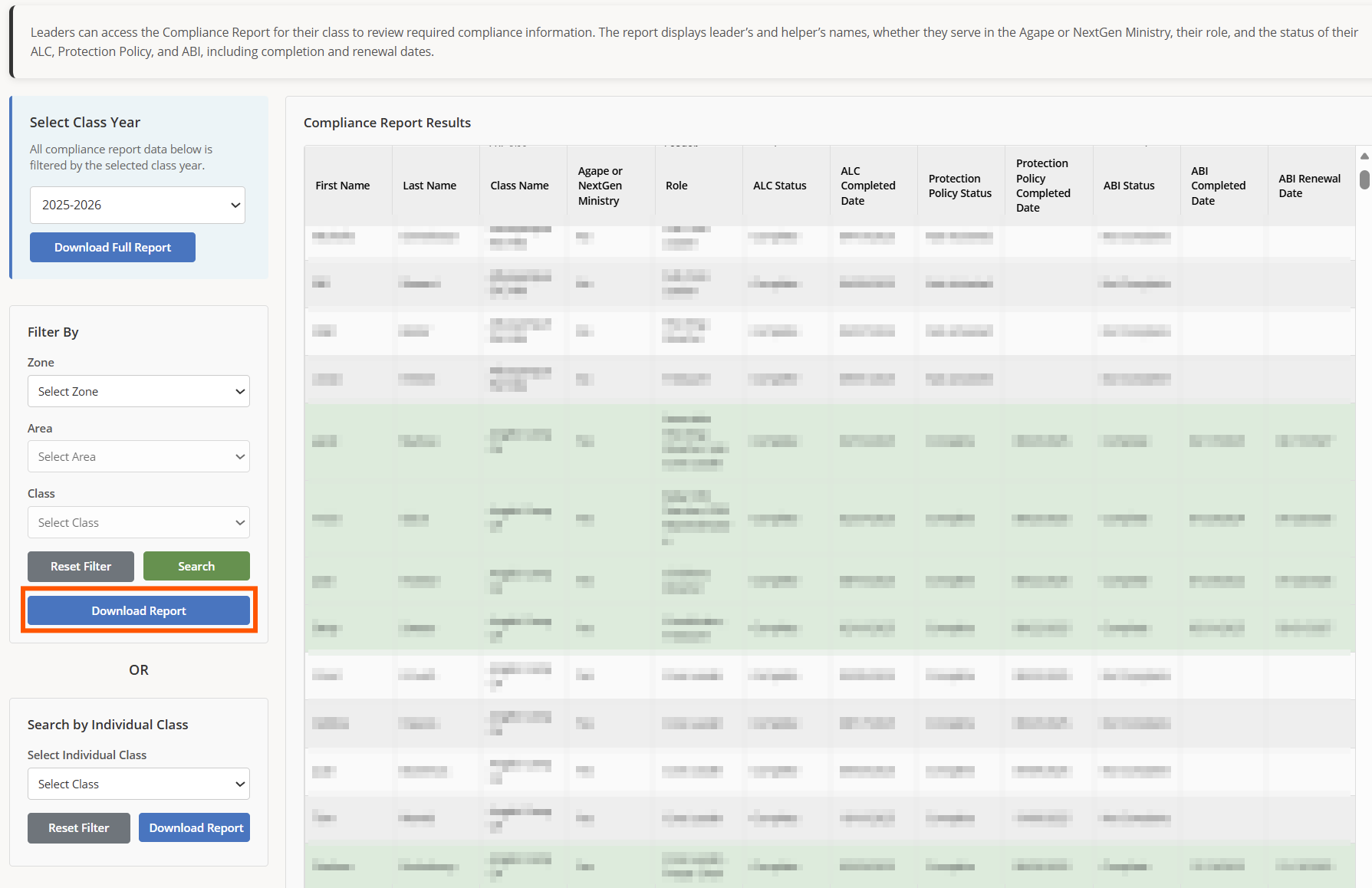
6.) Click Download Report to download the compliance report using the selected filters. The file can be opened in any spreadsheet application, e.g. Microsoft Excel or Apple Numbers.
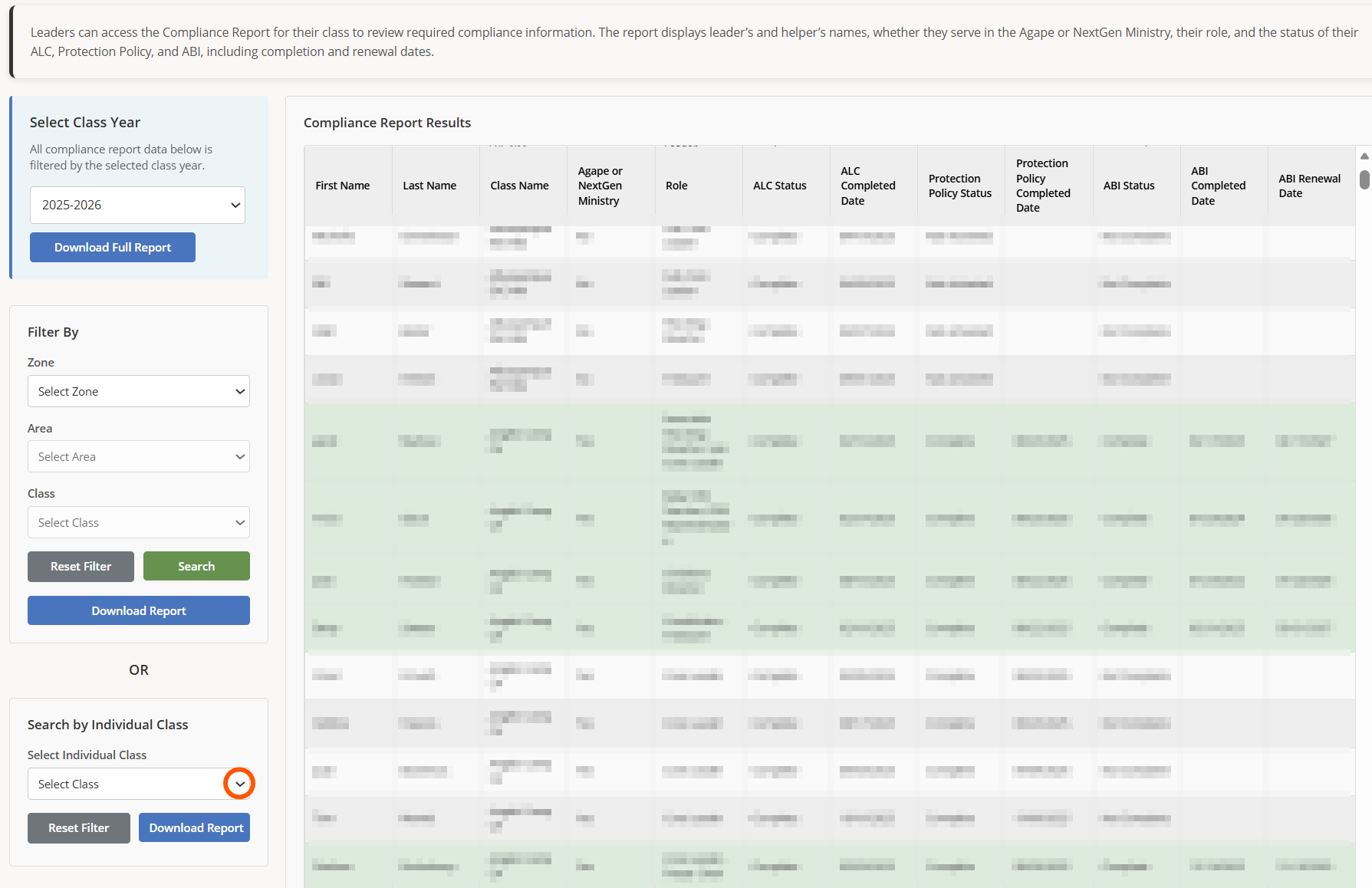
7.) Click the drop-down menu to select an individual class.
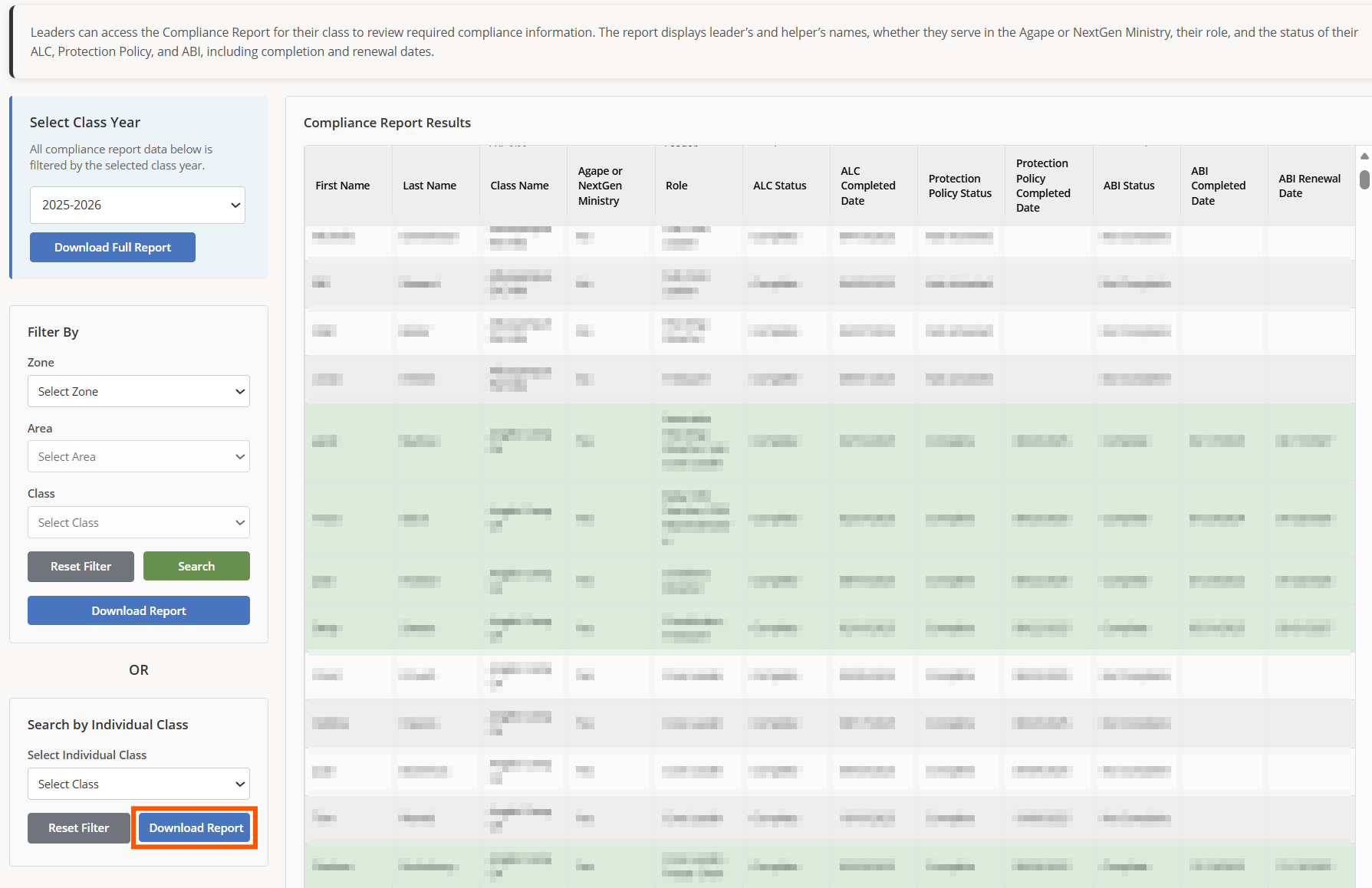
8.) Click Download Report to download the compliance report for the selected class. The file can be opened in any spreadsheet application, e.g. Microsoft Excel or Apple Numbers.