
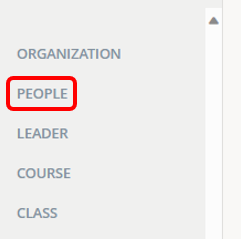
1.) Click on People.
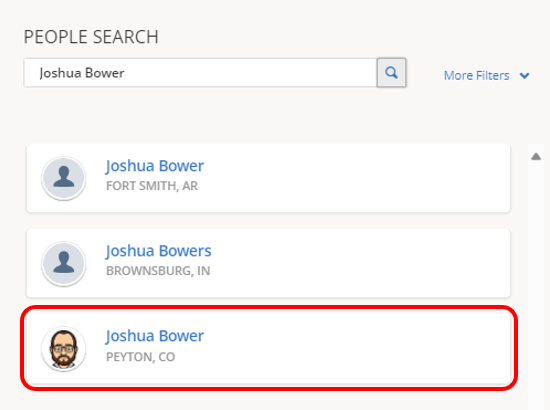
2.) Enter a name. Then, click the magnifying glass icon to search.

3.) Click a name to select.
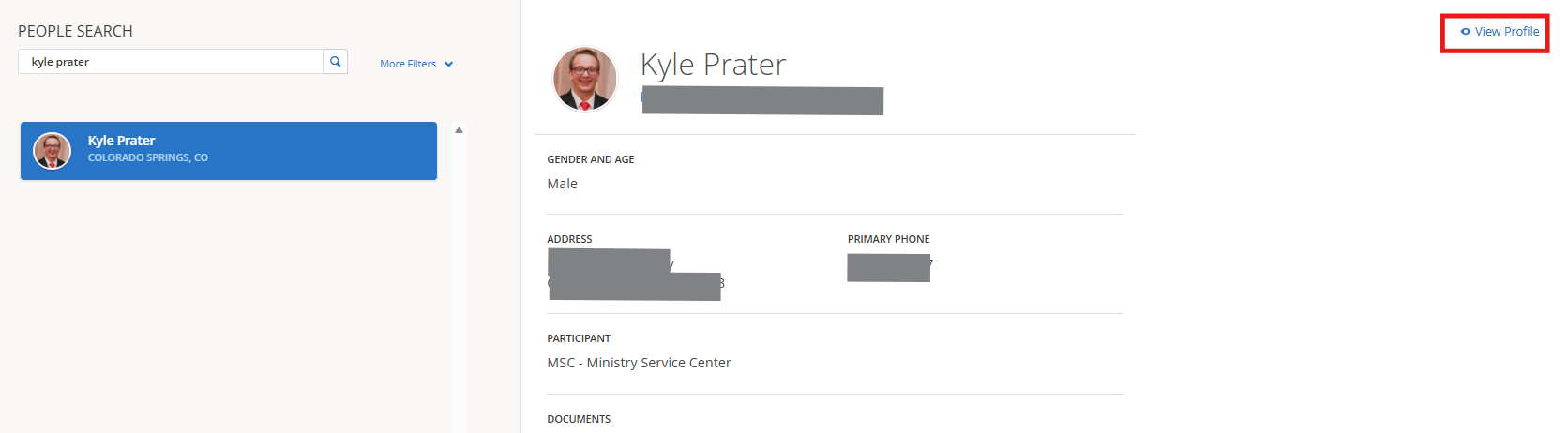
4.) Click View Profile.
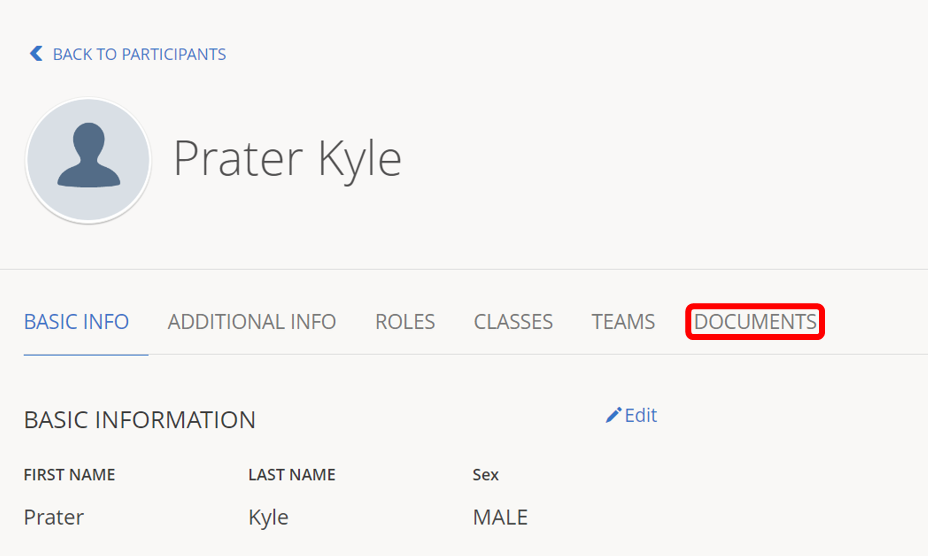
5.) Click Documents.
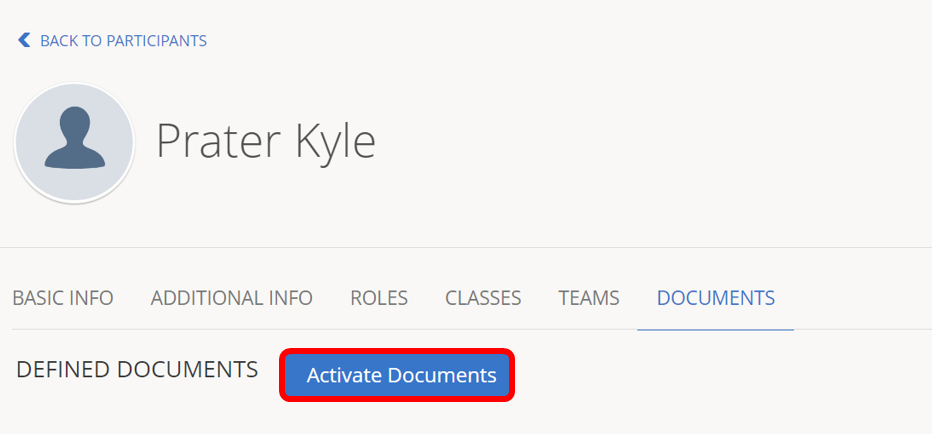
6.) Click Activate Documents.
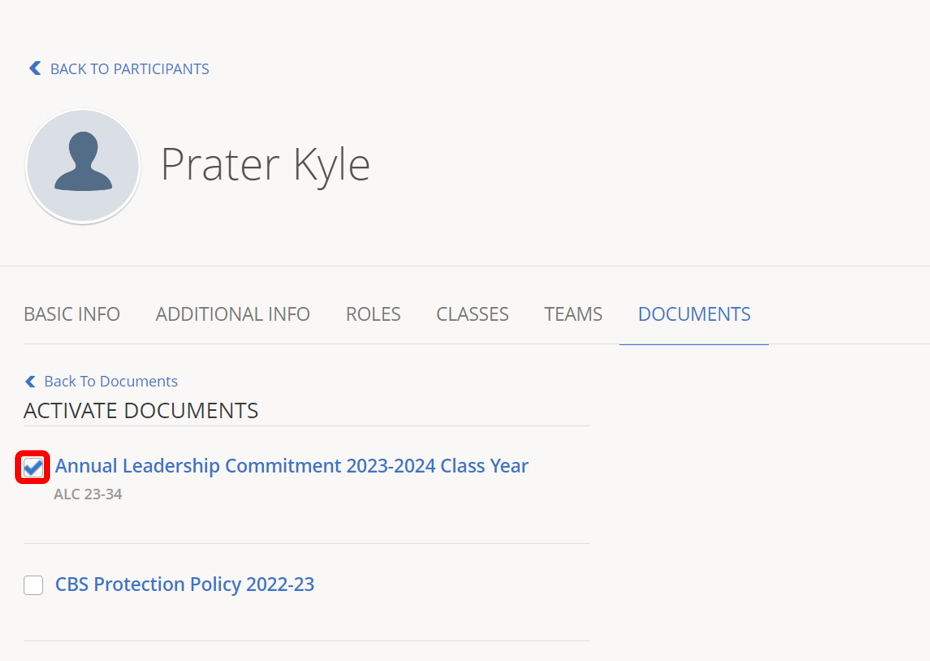
7.) Click check boxes next to documents for the participant/leader.
8.) Click Save.