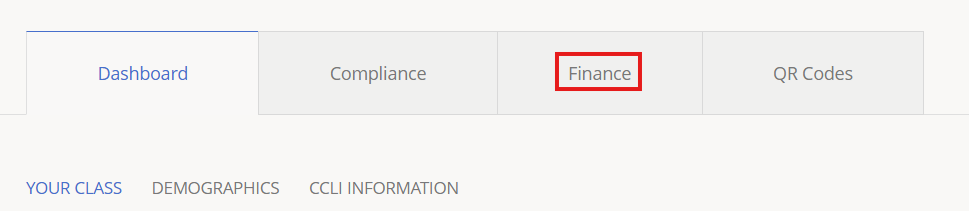
1.) To access Host Church Gift Reports, click Finance.
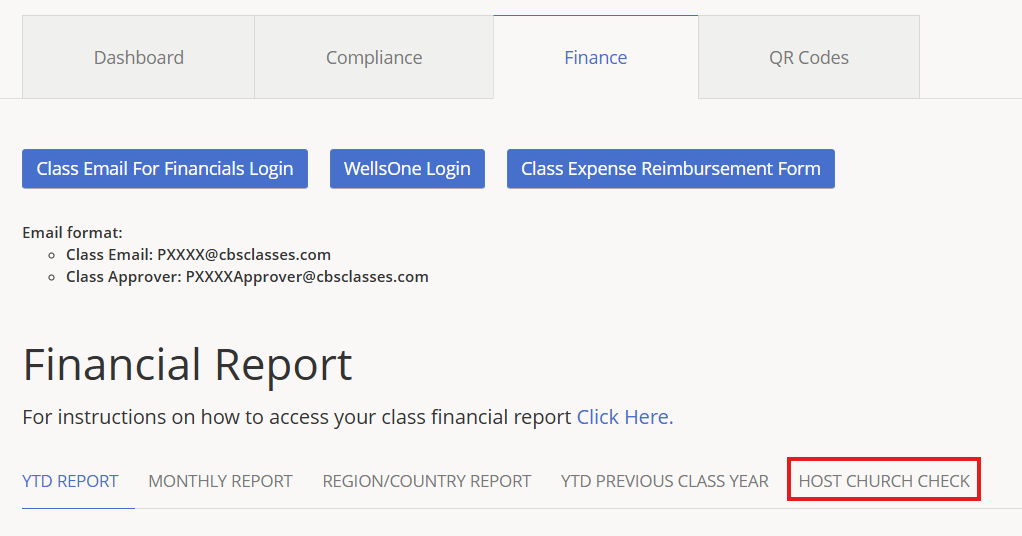
2.) Click Host Church Check.
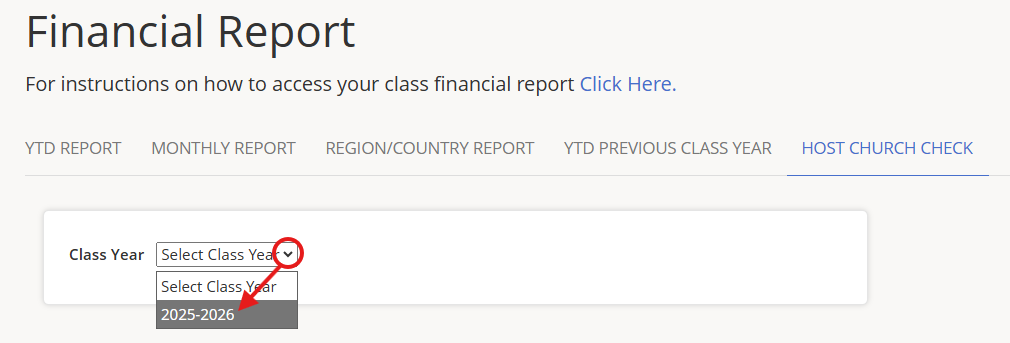
3.) Click the Class Year drop-down to select a class year.
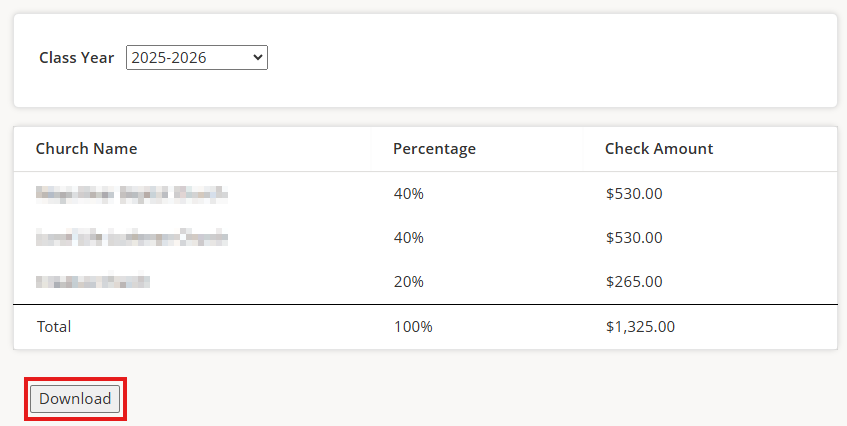
4.) Selected year information will be displayed. Percentage shows the percentage of the total amount of the Host Church Gift Check. Click Download to download the report.